Wildfire,
all you need to do is to click reply and scroll down until you see Additional Options. Under it will be Attach Files. Click Manage attachments. Remember that your files need to be in these formats to work: bmp doc gif jpe jpeg jpg pdf png psd txt zip.
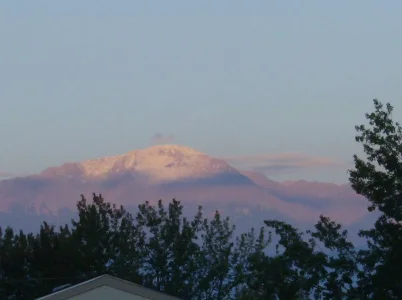
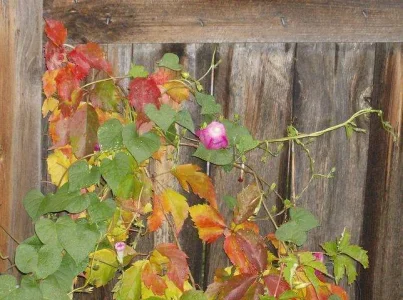
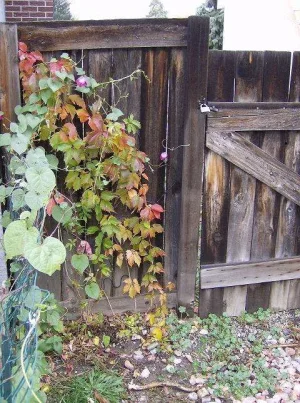
That will bring up a window and go ahead and click browse. Go find your file in your computer and click on it. Then if you want another picture, click the next browse button and go find your file...etc. When you have all of them, click upload. Then X out of that box and hit submit. You should have your pictures in there. Go ahead, give it a shot. I can't wait to see the pics.